Открываем страницу…
Global channel
Loading knowledge…
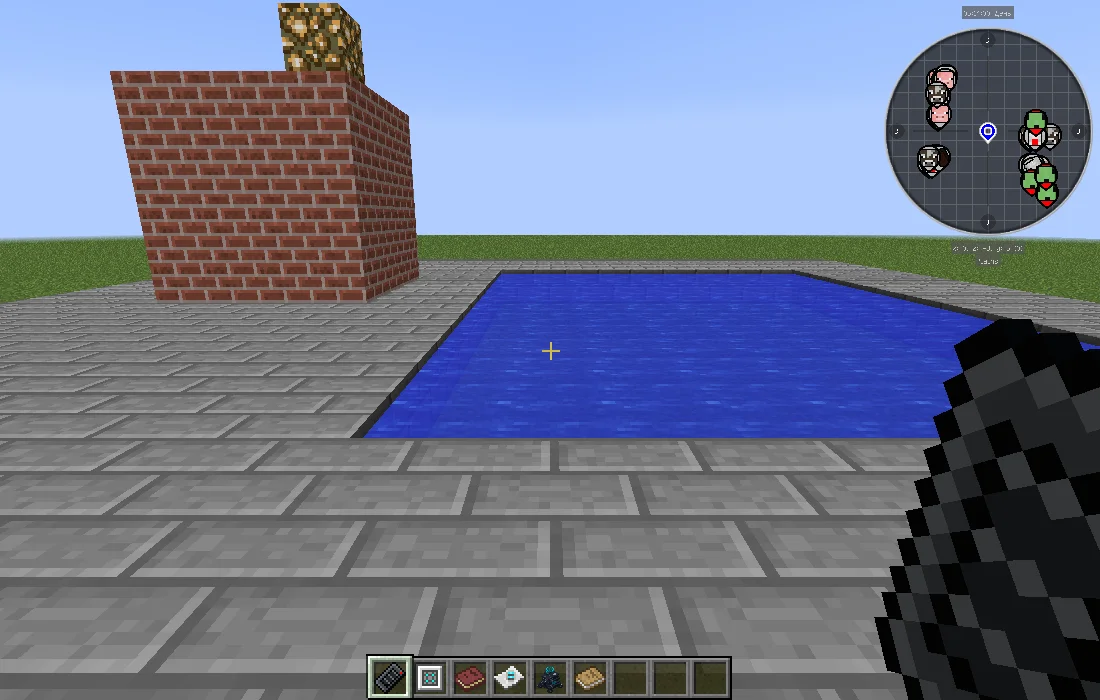
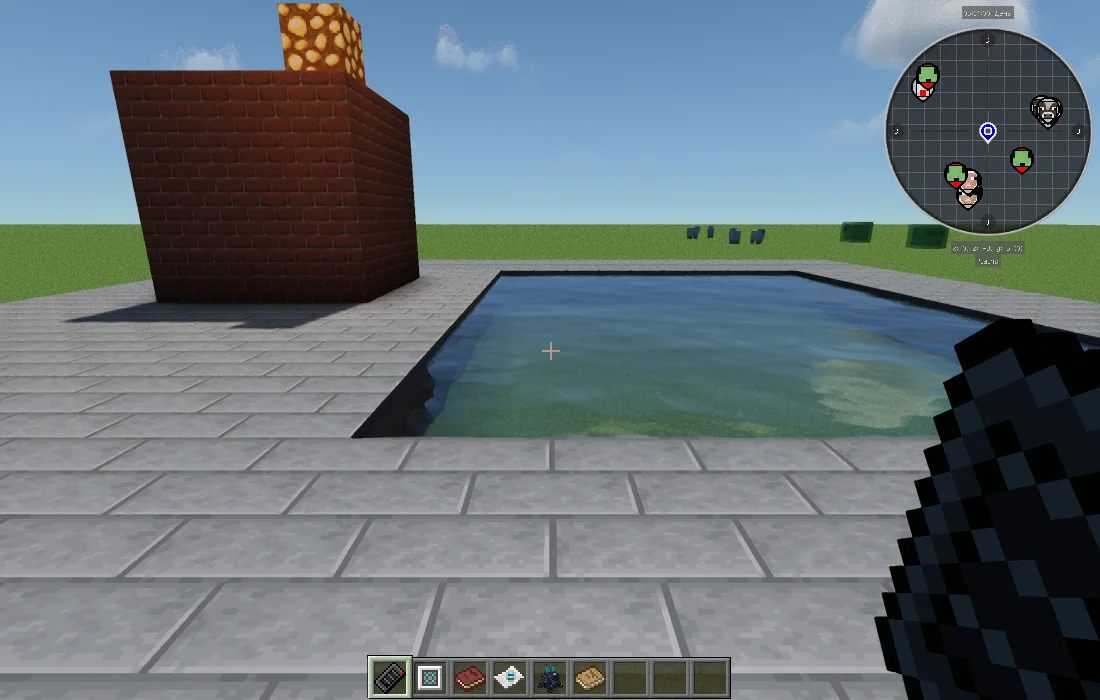
Particle Culling reduces particle rendering work by skipping invisible effects. KVARK enables it in the Low-end PC profile along with a lower particle setting.
Close the game, select Low-end PC and compare frames beside machinery emitting many effects. Keep position and camera direction fixed.
If effects look sparse, inspect the in-game particle setting. Particle count and visibility culling independently affect the image.